Hallo Volker,
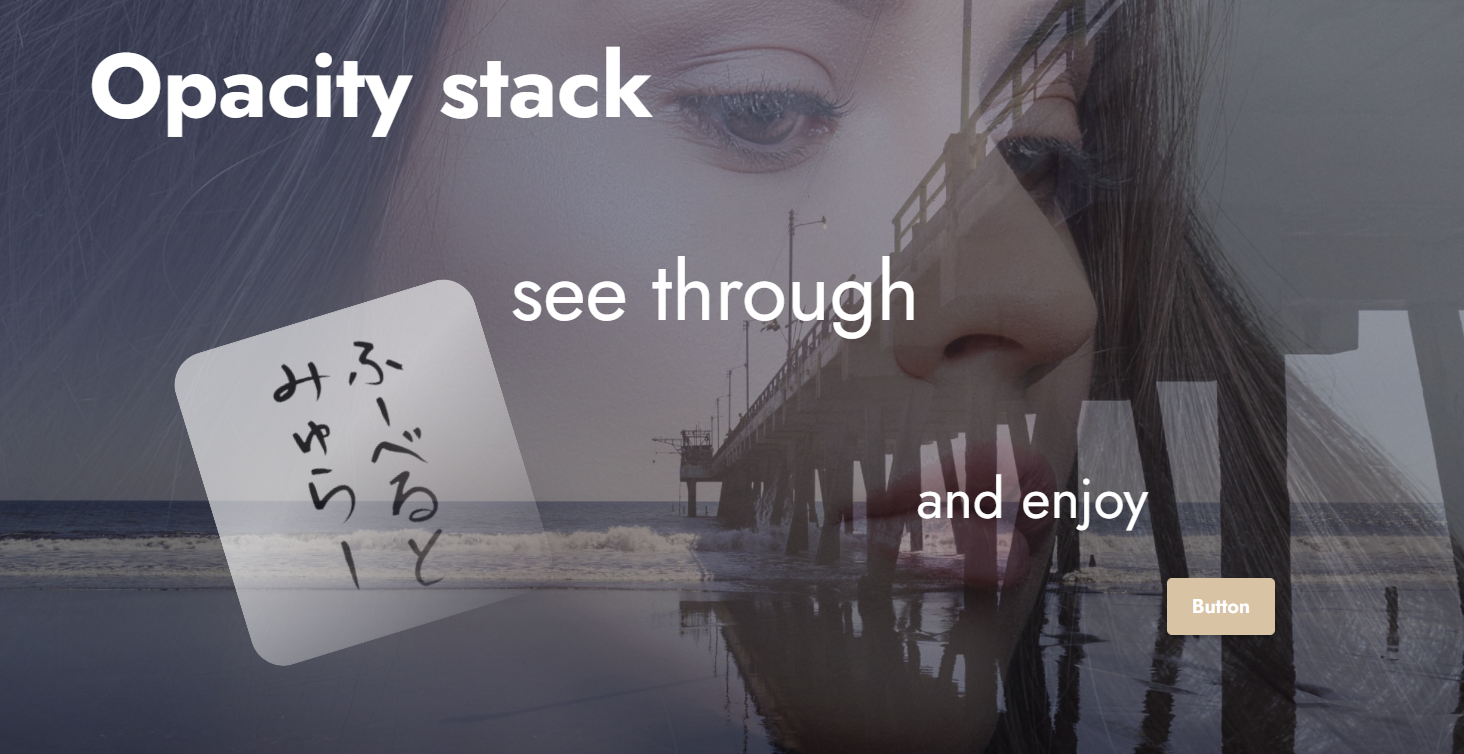
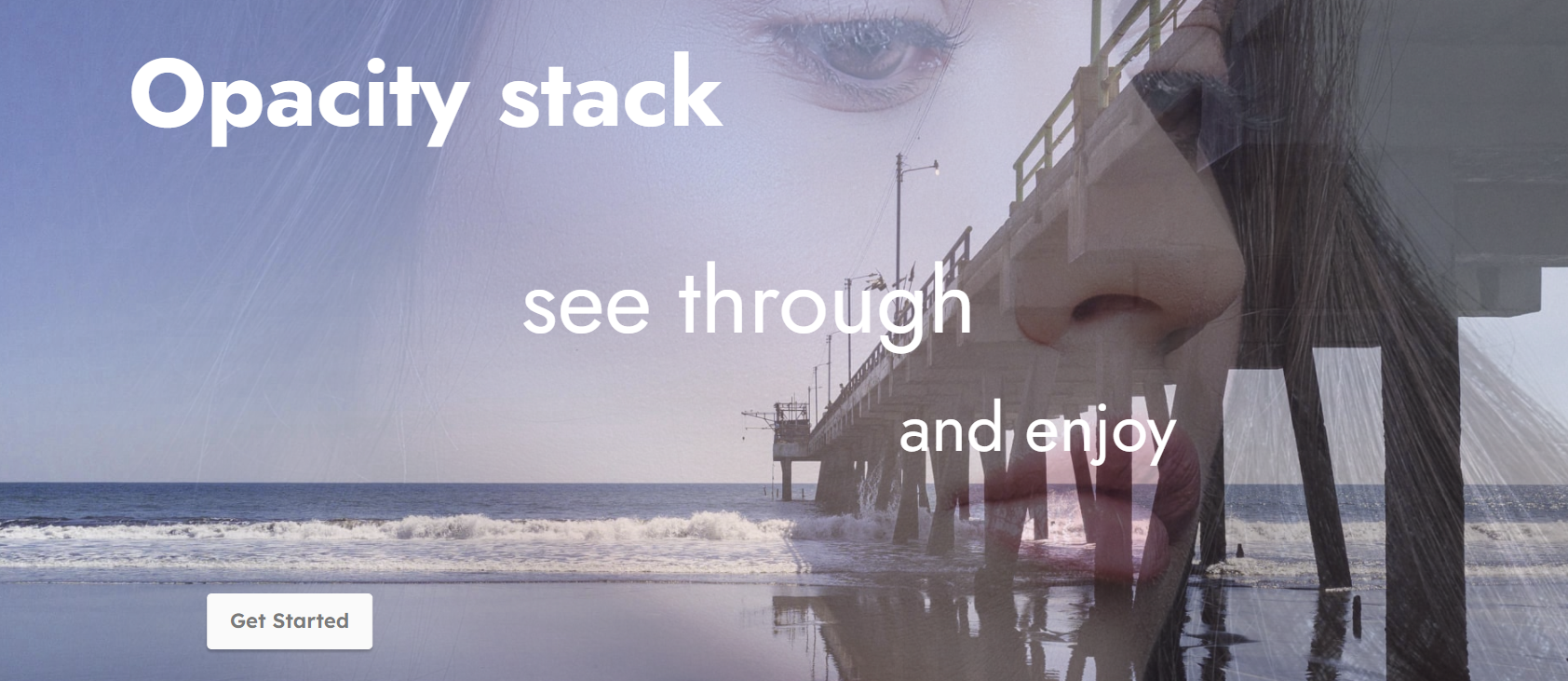
hab jetzt einfach mal diese Opacity-zeitschleife in Deinen Block eingebaut. Schaut wirklich toll aus finde ich wenn die Bilder sanft wechseln. Kannste gern übernehmen wenn Du willst. Ich mach keine extra mbrext draus, hab ja meinen Block

Die Zeitschleife kann man auch über einen Schalter deaktivieren - dann hat man halt wieder die alten Einstellungen.
Code: Alles auswählen
<section data-bs-version="5.1" class="header1" group="Headers" data-bg-video="{{bg.type == 'video' && bg.value.url}}" mbr-class="{'mbr-fullscreen': fullScreen, 'mbr-parallax-background': bg.parallax}">

    <mbr-parameters>
        <header>Block-Einstellungen</header>
        <input type="checkbox" title="Full Screen" name="fullScreen">
        <input type="checkbox" title="Full Width" name="fullWidth" checked>
        <input type="range" inline title="Oben" name="paddingTop" min="0" max="10" value="10" condition="fullScreen == false">
        <input type="range" inline title="Unten" name="paddingBottom" min="0" max="10" value="10" condition="fullScreen == false">

        <header>Hintergrund (Parallax Schalter)</header>
        <fieldset type="background" name="bg">
            <input type="image" title="Bild" value="file:///C:/Users/huber/AppData/Local/Mobirise.com/Mobirise/projects/project-2026-04-16_081804/assets/images/eduardo-melendez-jetty-5988040-2000x1125.jpg" parallax selected>
            <input type="color" title="Farbe" value="#260a30">
            <input type="video" title="Video" value="https://www.youtube.com/watch?v=2Gg6Seob5Mg">
        </fieldset>

        <input type="checkbox" title="Overlay" name="overlay" checked>
        <input type="color" title="Farbe" name="overlayColor" value="#000000" condition="overlay">
        <input type="range" inline title="Deckkraft" name="overlayOpacity" min="0" max="1" step="0.1" value="0.5" condition="overlay">

        <header>Zweiter Hintergrund (Mix-Ebene)</header>
        <input type="checkbox" title="Zeige BG2" name="showBg2" checked>
        <input type="image" title="Bild 2" name="bg2Image" value="file:///C:/Users/huber/AppData/Local/Mobirise.com/Mobirise/projects/project-2026-04-16_081804/assets/images/krivitskiy-girl-6894042-2000x1525.jpg" condition="showBg2">
        <input type="range" inline title="Deckkraft" name="bg2Opacity" min="0" max="1" step="0.1" value="0.6" condition="showBg2">
        <input type="range" inline title="Verlauf" name="bg2Fade" min="0" max="100" value="29" condition="showBg2">
        <input type="range" inline title="Winkel" name="bg2Angle" min="0" max="360" value="132" condition="showBg2">

        <!-- NEU -->
        <header>Opacity Animation</header>
        <input type="checkbox" title="Animation aktiv" name="opacityAnim" checked>

        <header>Floating Image 1</header>
        <input type="checkbox" title="Bild 1 aktiv" name="showImg1">
        <input type="image" title="Datei 1" name="img1Src" value="file:///C:/Users/huber/AppData/Local/Mobirise.com/Mobirise/projects/project-2026-04-16_081804/assets/images/orangenes20osterei204-1024x1024.png" condition="showImg1">
        <input type="range" inline title="X (%)" name="i1X" min="0" max="100" value="40" condition="showImg1">
        <input type="range" inline title="Y (%)" name="i1Y" min="0" max="100" value="25" condition="showImg1">
        <input type="range" inline title="Breite (%)" name="i1W" min="5" max="100" value="18" condition="showImg1">
        <input type="range" inline title="Rundung" name="i1Rad" min="0" max="500" value="20" condition="showImg1">

        <header>Floating Image 2</header>
        <input type="checkbox" title="Bild 2 aktiv" name="showImg2">
        <input type="image" title="Datei 2" name="img2Src" value="file:///C:/Users/huber/AppData/Local/Mobirise.com/Mobirise/projects/project-2026-04-16_081804/assets/images/gerhard-und-stef-1-458x405.png" condition="showImg2">
        <input type="range" inline title="X (%)" name="i2X" min="0" max="100" value="65" condition="showImg2">
        <input type="range" inline title="Y (%)" name="i2Y" min="0" max="100" value="20" condition="showImg2">
        <input type="range" inline title="Breite (%)" name="i2W" min="5" max="100" value="17" condition="showImg2">
        <input type="range" inline title="Rundung" name="i2Rad" min="0" max="500" value="20" condition="showImg2">

        <header>Floating Image 3</header>
        <input type="checkbox" title="Bild 3 aktiv" name="showImg3">
        <input type="image" title="Datei 3" name="img3Src" value="file:///C:/Users/huber/AppData/Local/Mobirise.com/Mobirise/projects/project-2026-04-16_081804/assets/images/20241011-105623-815x676.jpg" condition="showImg3">
        <input type="range" inline title="X (%)" name="i3X" min="0" max="100" value="8" condition="showImg3">
        <input type="range" inline title="Y (%)" name="i3Y" min="0" max="100" value="11" condition="showImg3">
        <input type="range" inline title="Breite (%)" name="i3W" min="5" max="100" value="21" condition="showImg3">
        <input type="range" inline title="Rundung" name="i3Rad" min="0" max="500" value="20" condition="showImg3">

        <header>Schatten  Texte</header>
        <input type="color" title="Schatten Farbe" name="shColor" value="#000000">
        <input type="range" inline title="Schatten Stärke" name="shBlur" min="0" max="100" value="25">
        <input type="range" inline title="Titel X" name="tX" min="-500" max="500" value="0">
        <input type="range" inline title="Titel Y" name="tY" min="-300" max="300" value="0">
        <input type="range" inline title="Titel Größe" name="tSize" min="1" max="12" step="0.1" value="5">
        <input type="range" inline title="Button X" name="bX" min="-500" max="500" value="0">
        <input type="range" inline title="Button Y" name="bY" min="-300" max="300" value="45">
        <input type="checkbox" title="Zeige Buttons" name="showButtons" checked>
    </mbr-parameters>

    <div class="mbr-fallback-image" mbr-if="bg.type == 'video'"></div>

    <div class="bg2-layer" mbr-if="showBg2"></div>
    <div class="mbr-overlay" mbr-if="overlay && bg.type !== 'color'" style="opacity: {{overlayOpacity}}; background-color: {{overlayColor}};"></div>

    <div class="f-img i1" mbr-if="showImg1"></div>
    <div class="f-img i2" mbr-if="showImg2"></div>
    <div class="f-img i3" mbr-if="showImg3"></div>

    <div class="content-wrapper" mbr-class="{'container': !fullWidth, 'container-fluid': fullWidth}">
        <div class="row justify-content-center text-center">
            <div class="col-12">
                <h1 class="mbr-section-title main-title"><b>Monster Header</b></h1>
                <p class="mbr-text main-text">Parallax, Schatten  3 Bilder</p>
                <div class="mbr-section-btn main-btn" mbr-if="showButtons">
                    <a class="btn btn-primary" href="#">Action!</a>
                </div>
            </div>
        </div>
    </div>

</section>
Code: Alles auswählen
section {
  position: relative;
  overflow: hidden;
  background-position: 50% 50%;
  background-size: cover;
}
& when not (@fullScreen) {
  padding-top: (@paddingTop * 1rem);
  padding-bottom: (@paddingBottom * 1rem);
}
& when (@bg-type = "color") {
  background-color: @bg-value;
}
& when (@bg-type = "image") {
  background-image: url(@bg-value);
}
.mbr-fallback-image {
  display: block;
  background-size: cover;
  background-position: center;
  width: 100%;
  height: 100%;
  position: absolute;
  top: 0;
  & when (@bg-type = 'video') {
    background-image: url(@fallBackImage);
  }
}
.bg2-layer {
  position: absolute;
  inset: 0;
  z-index: 1;
  background-image: url(@bg2Image);
  background-size: cover;
  background-position: center;
  opacity: @bg2Opacity;
  -webkit-mask-image: linear-gradient(@bg2Angle * 1deg, rgba(0, 0, 0, 1) 0%, rgba(0, 0, 0, 1) (@bg2Fade * 1%), rgba(0, 0, 0, 0) 100%);
  mask-image: linear-gradient(@bg2Angle * 1deg, rgba(0, 0, 0, 1) 0%, rgba(0, 0, 0, 1) (@bg2Fade * 1%), rgba(0, 0, 0, 0) 100%);
}
.mbr-overlay {
  position: absolute;
  inset: 0;
  z-index: 2;
}
.f-img {
  position: absolute;
  z-index: 3;
  background-size: cover;
  background-repeat: no-repeat;
  background-position: center;
  aspect-ratio: (1 / 1);
  filter: drop-shadow(0 0 unit(@shBlur, px) @shColor);
}
.i1 {
  width: unit(@i1W, %);
  left: unit(@i1X, %);
  top: unit(@i1Y, %);
  background-image: url(@img1Src);
  border-radius: unit(@i1Rad, px);
}
.i2 {
  width: unit(@i2W, %);
  left: unit(@i2X, %);
  top: unit(@i2Y, %);
  background-image: url(@img2Src);
  border-radius: unit(@i2Rad, px);
}
.i3 {
  width: unit(@i3W, %);
  left: unit(@i3X, %);
  top: unit(@i3Y, %);
  background-image: url(@img3Src);
  border-radius: unit(@i3Rad, px);
}
.content-wrapper {
  position: relative;
  z-index: 10;
}
.main-title {
  transform: translate(unit(@tX, px), unit(@tY, px));
  font-size: unit(@tSize, rem) !important;
  color: #ffffff;
  position: relative;
}
.main-btn {
  transform: translate(unit(@bX, px), unit(@bY, px));
  position: relative;
}
h1, p {
  color: #ffffff;
}
@media (max-width: 767px) {
  .f-img {
    width: 25% !important;
    position: relative !important;
    display: inline-block !important;
    margin: 10px;
    transform: none !important;
  }
  .main-title, .main-btn {
    transform: none !important;
    font-size: 2rem !important;
  }
}
@keyframes opacityLoop {
  0% {
    opacity: 0.1;
  }
  50% {
    opacity: 1;
  }
  100% {
    opacity: 0.1;
  }
}
& when (@opacityAnim) {
  .bg2-layer {
    animation: opacityLoop 10s infinite ease-in-out;
  }
}
& when (@opacityAnim = false) {
  .bg2-layer {
    animation: none;
  }
}
Genacht zamme!